
Fast catalog checkout
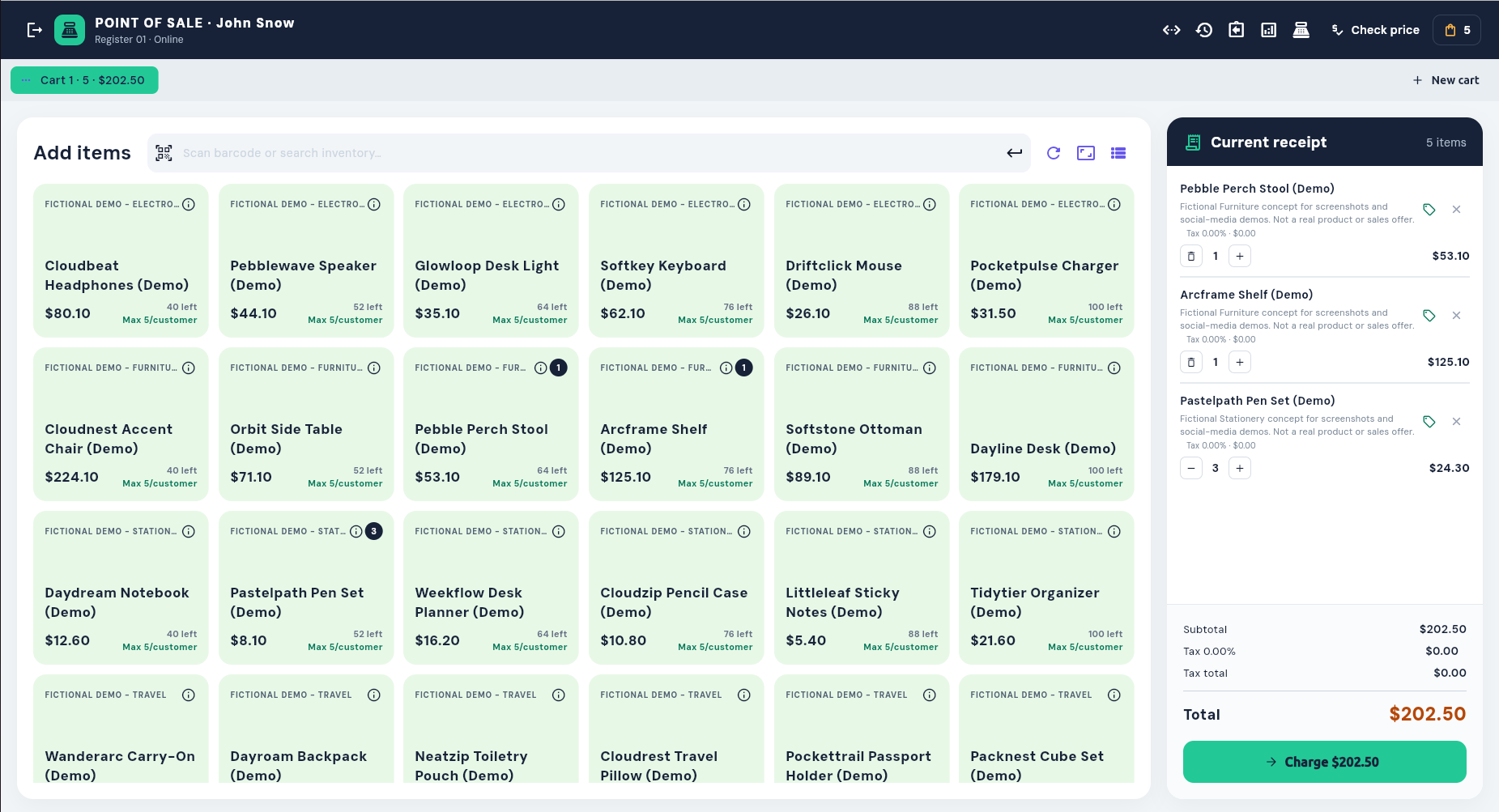
Search active products and services, scan barcodes, keep multiple carts, attach a customer, and add line notes.

Sell products and services from one fast checkout, then keep receipts, returns, inventory, customer records, and accounting connected to the same CCS system.
Everything at the counter
A practical checkout for stores and service counters that already run their operations in CCS.
Search active products and services, scan barcodes, keep multiple carts, attach a customer, and add line notes.
Calculate item taxes, apply line or order discounts with reasons, and accept one or several configured tenders.
Print 58 mm or 80 mm receipts, email customers, search sales history, and process tracked partial or full refunds.
The checkout, screen by screen
Use the arrows or swipe through the live CCS Point of Sale interface. Select any image to inspect it at full size.
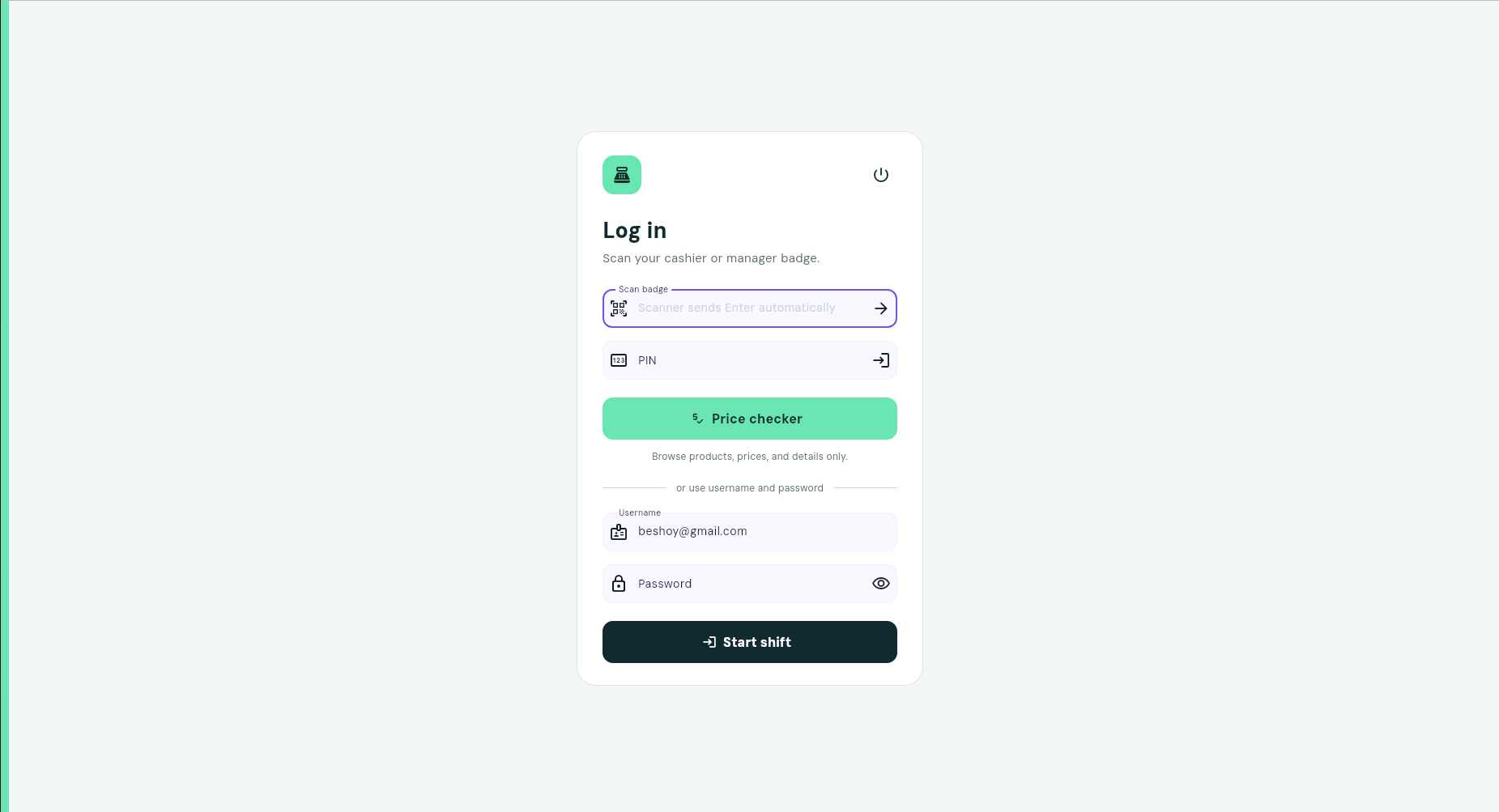
Cashiers and managers can start a shift with a badge, PIN, or account credentials.
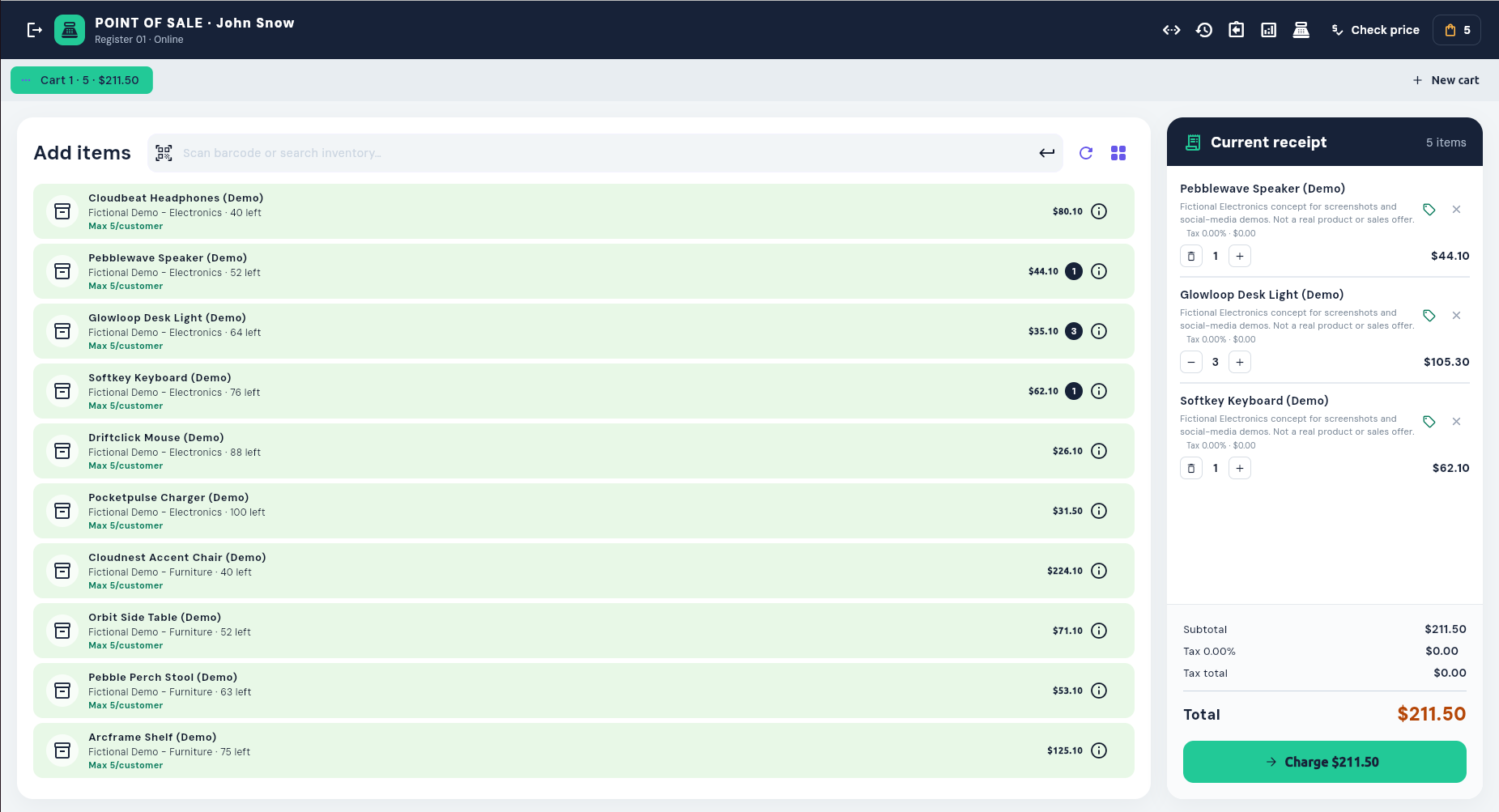
Switch to a compact list for fast product and service selection.
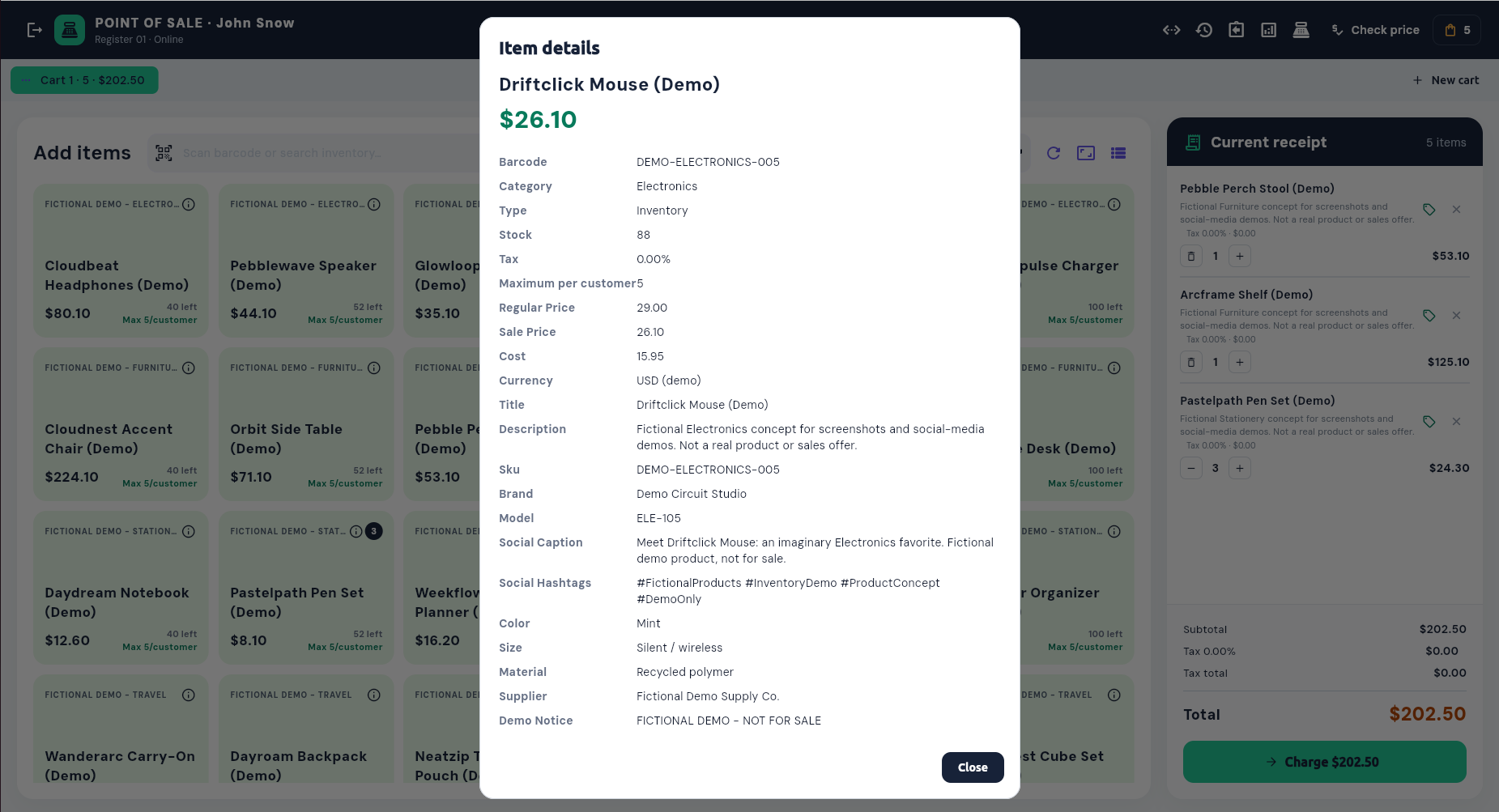
Review stock, tax, pricing, identifiers, and product details before adding an item.
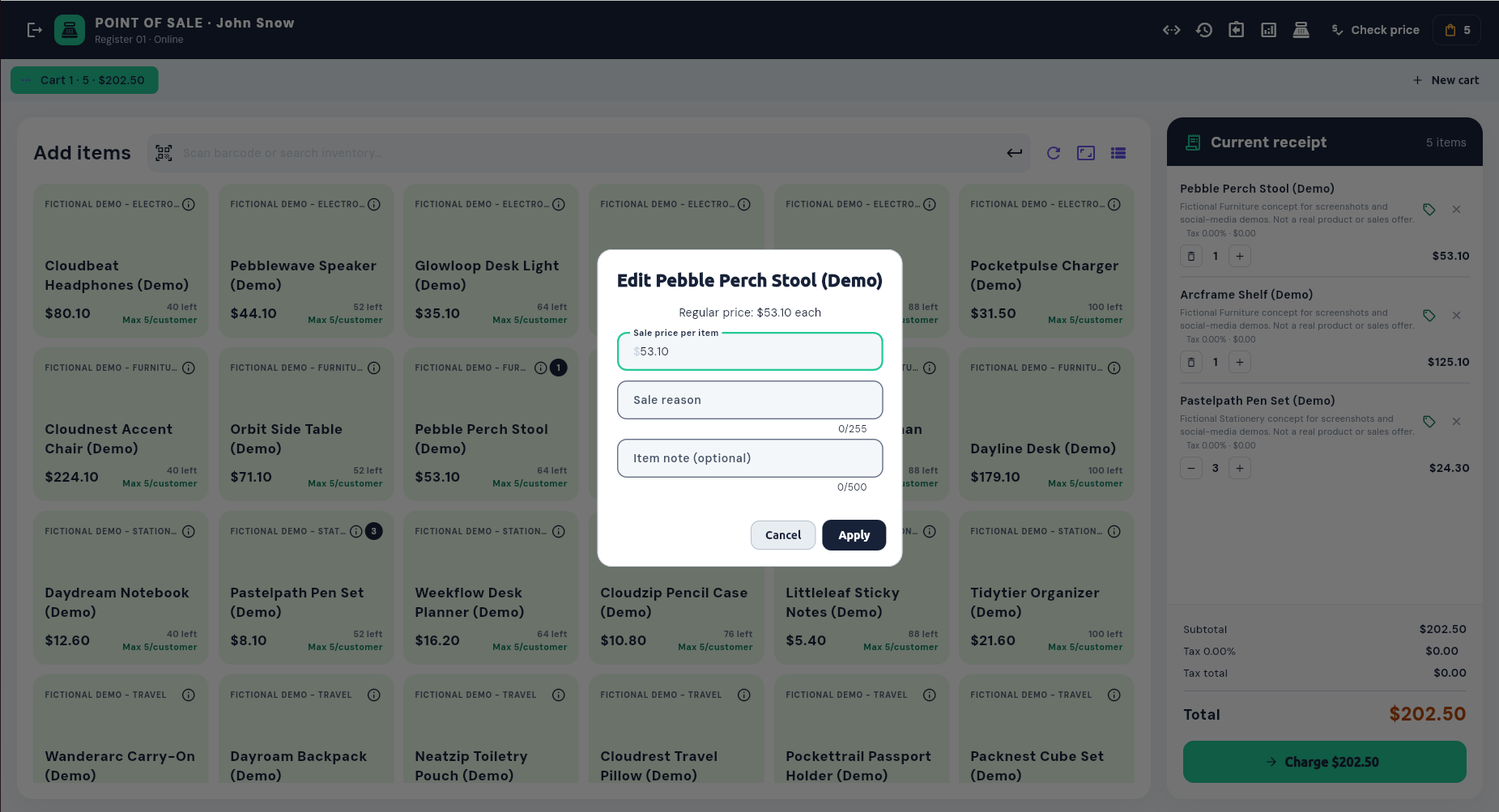
Record sale pricing, reasons, and line notes before checkout.
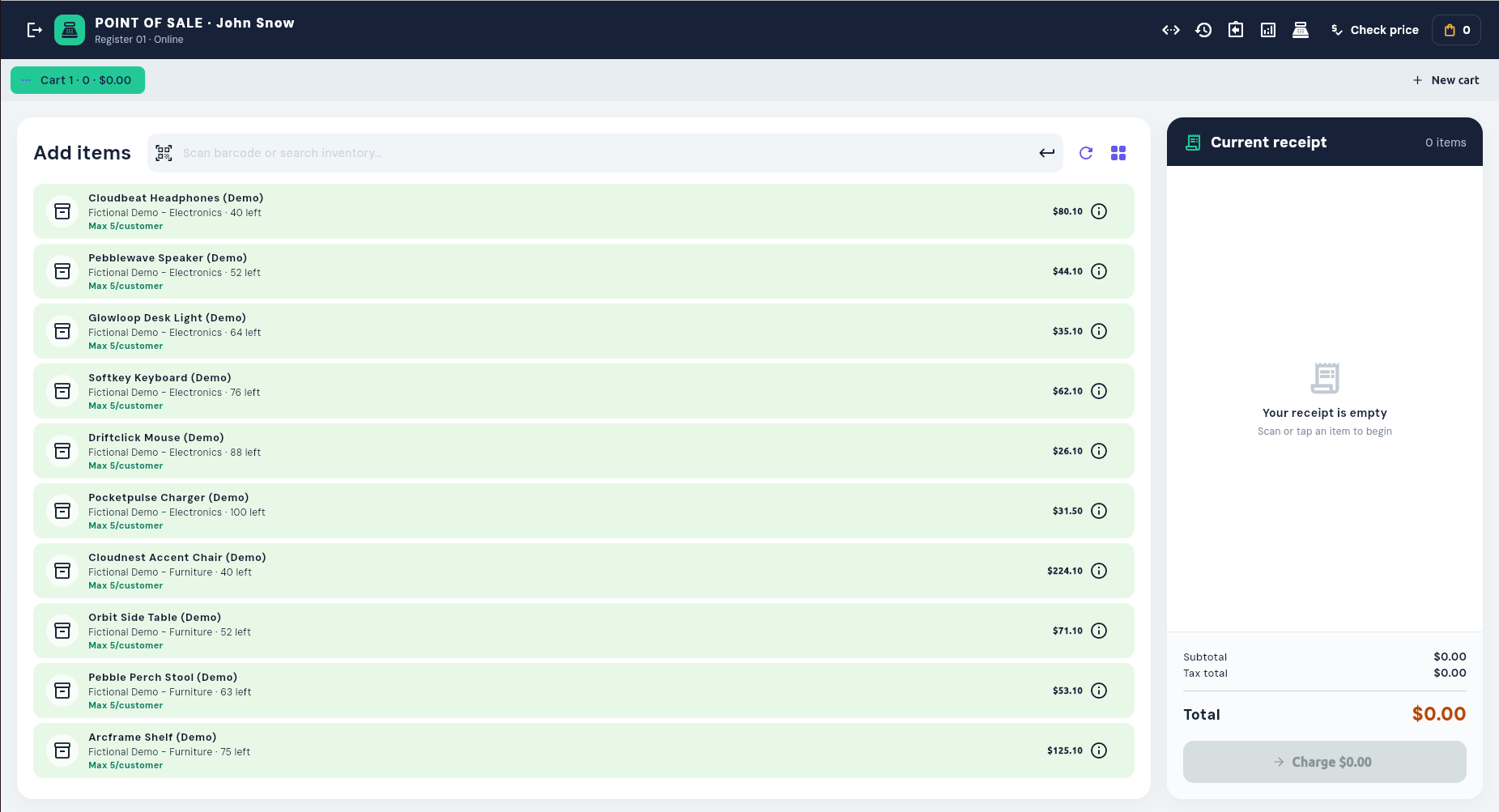
Close the current cart or hold it while opening another sale.
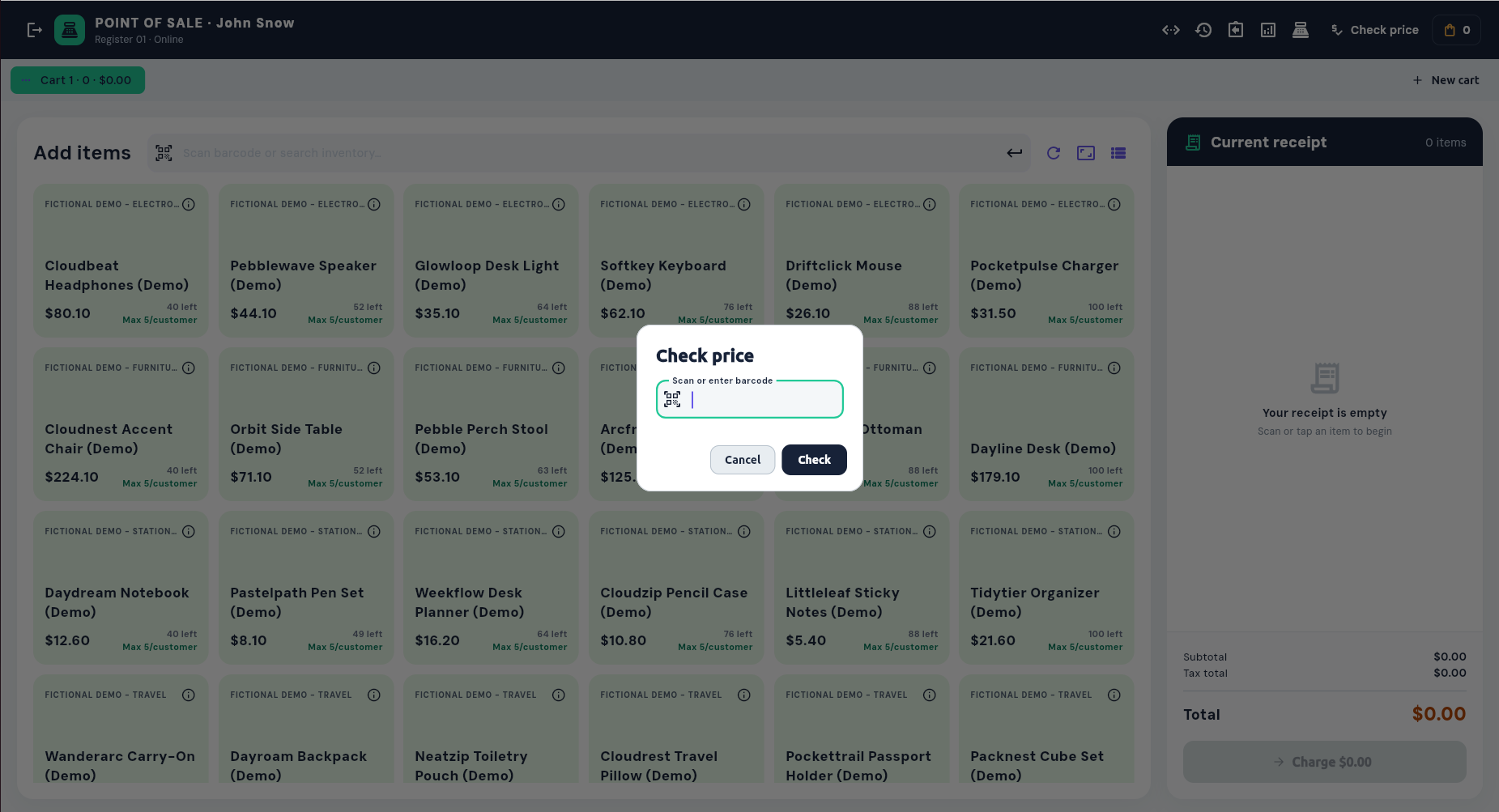
Scan a barcode without adding the item to the active receipt.
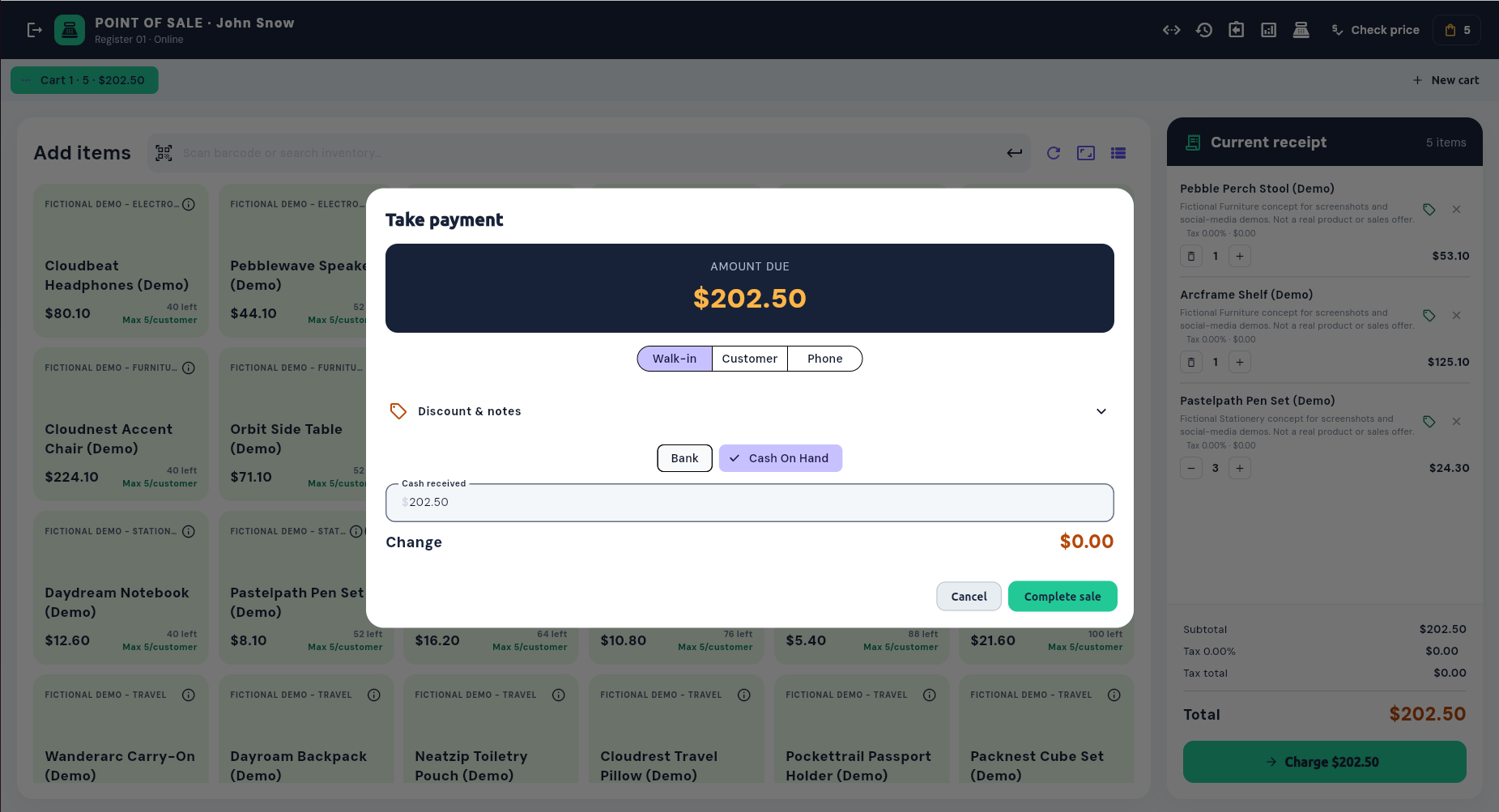
Choose the customer, payment account, discounts, and cash received.
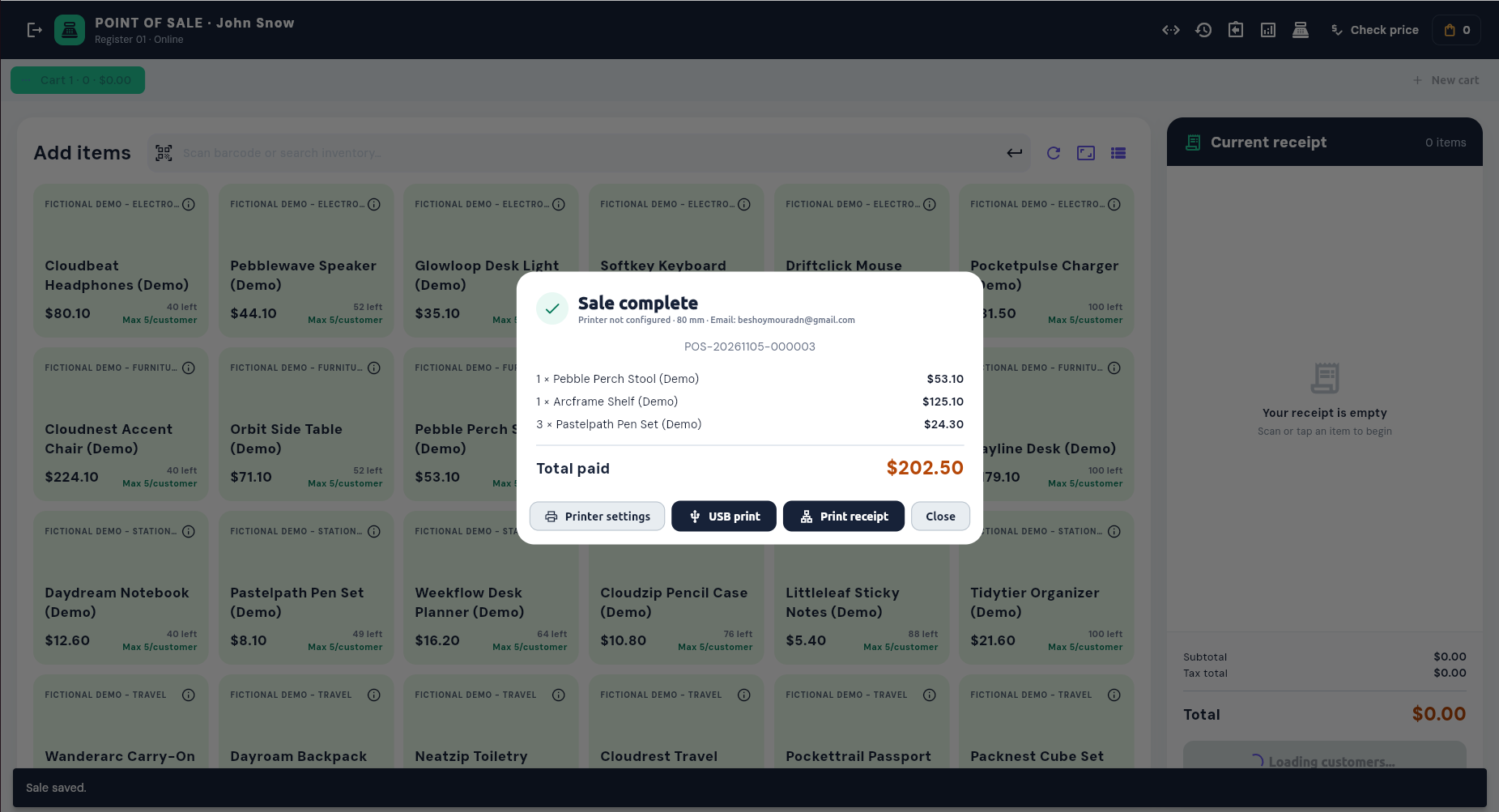
Email or print the receipt as soon as payment is recorded.
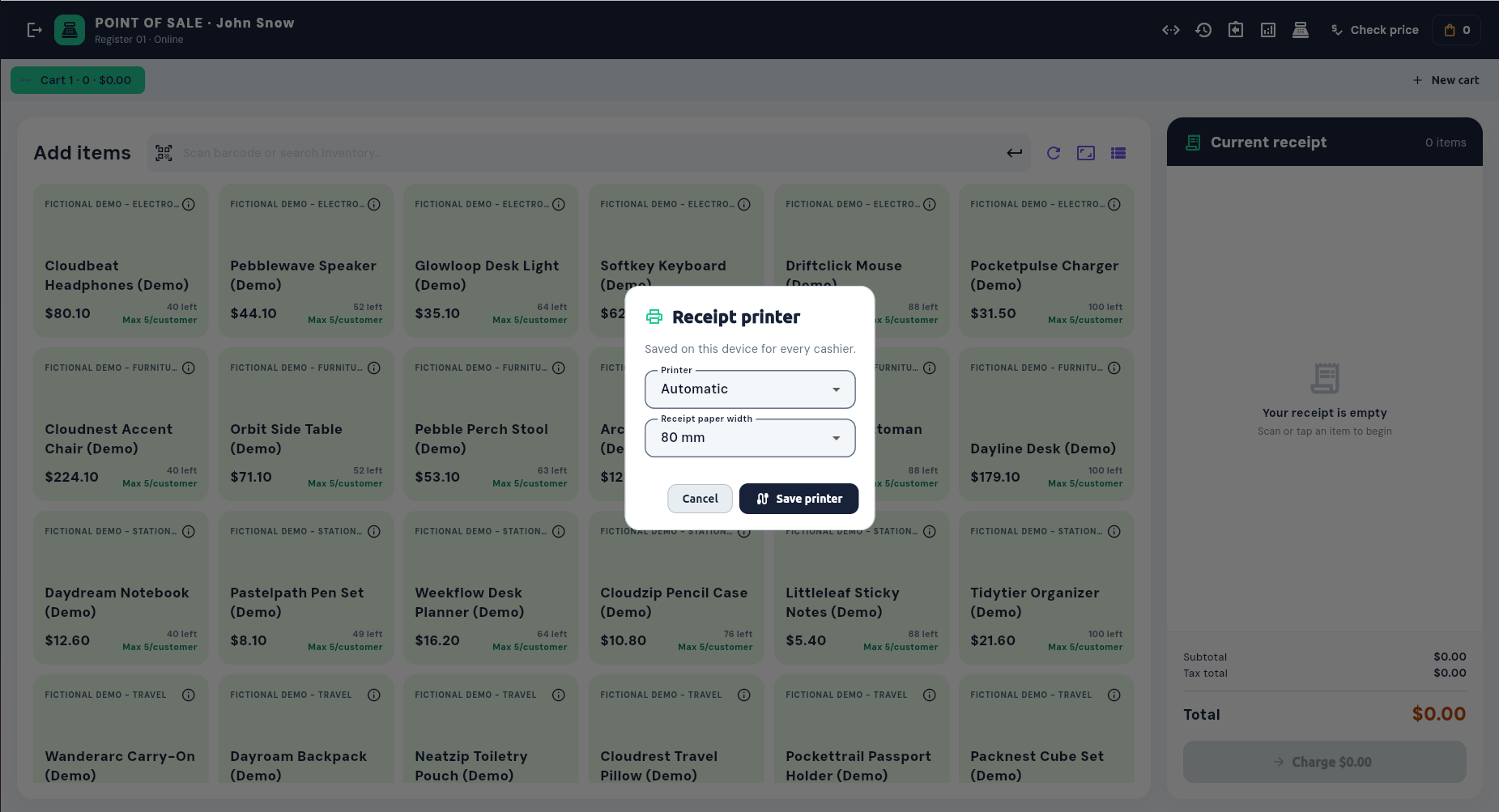
Save a printer and paper width for the current checkout device.
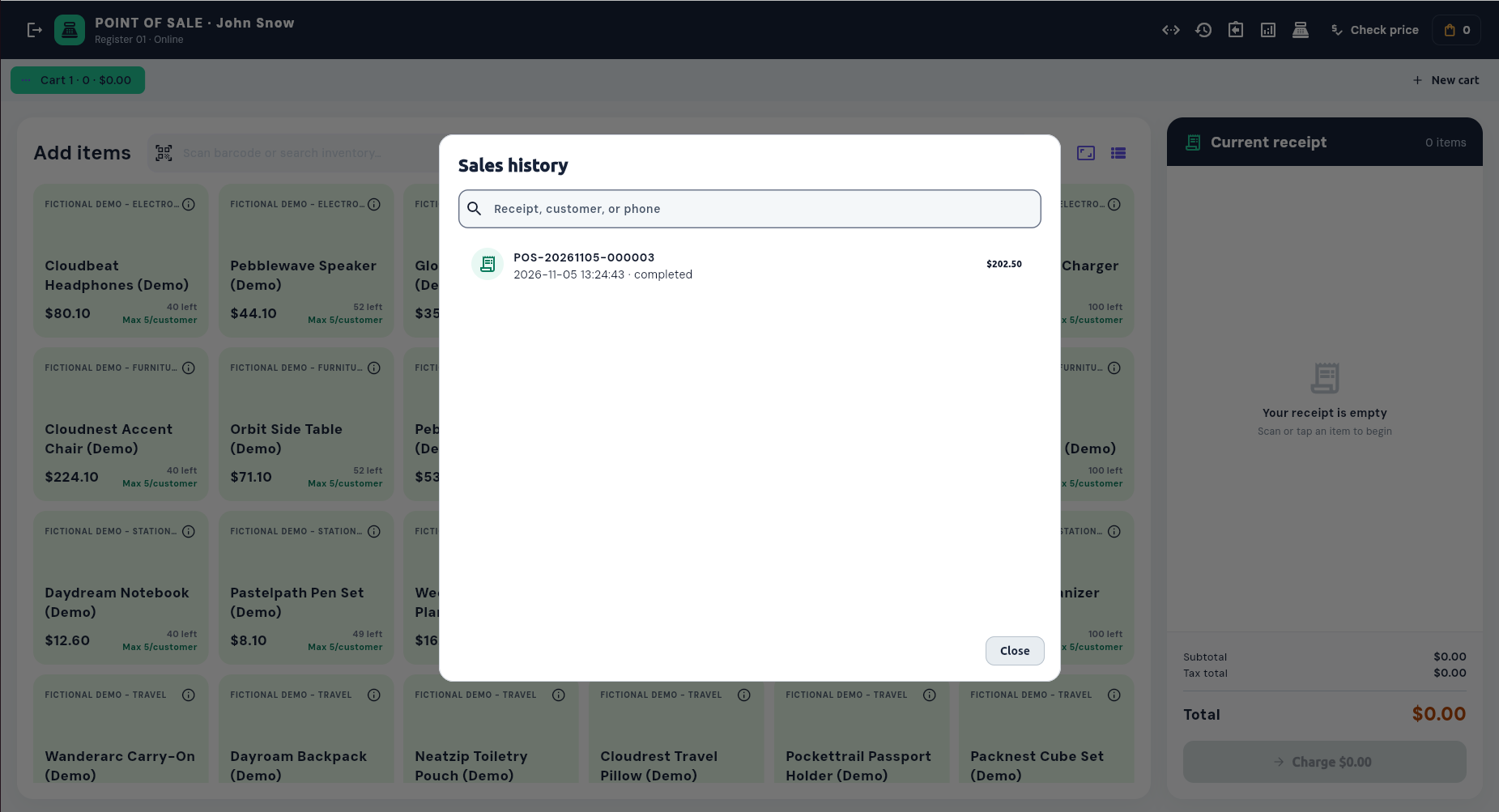
Find completed receipts by receipt number, customer, or phone.
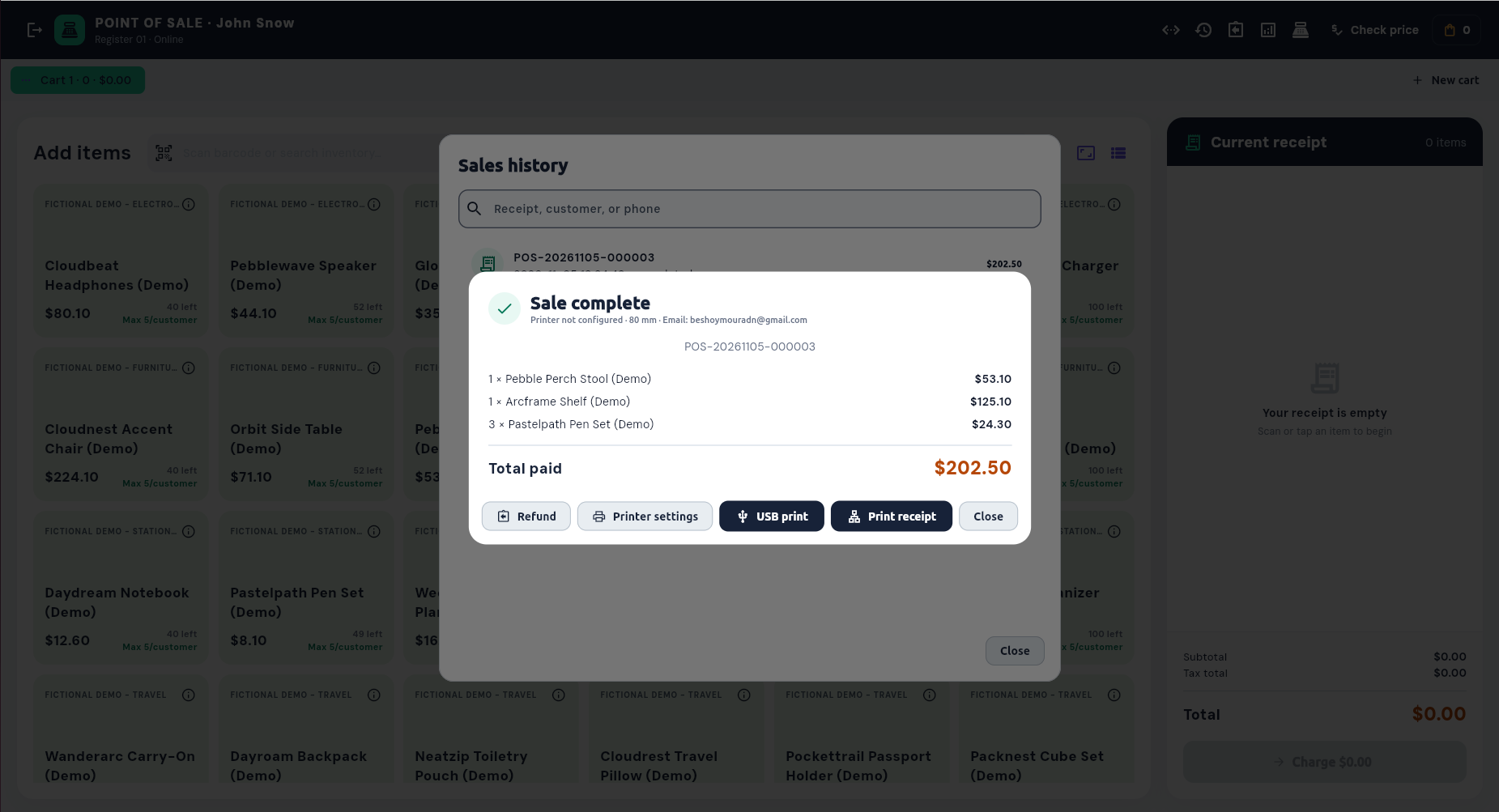
Review itemized totals and access refund or reprint actions.
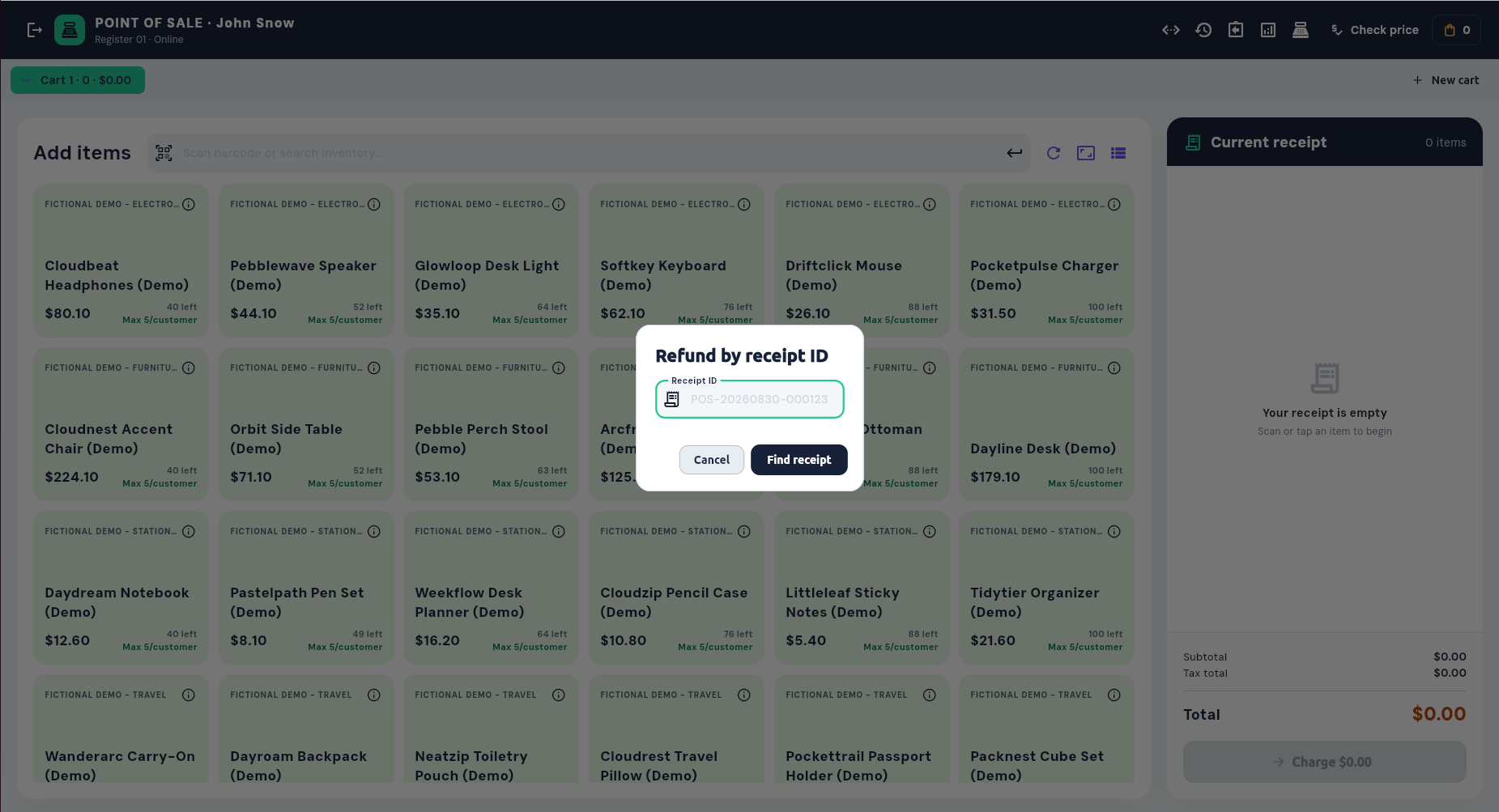
Start a tracked return from the original receipt ID.
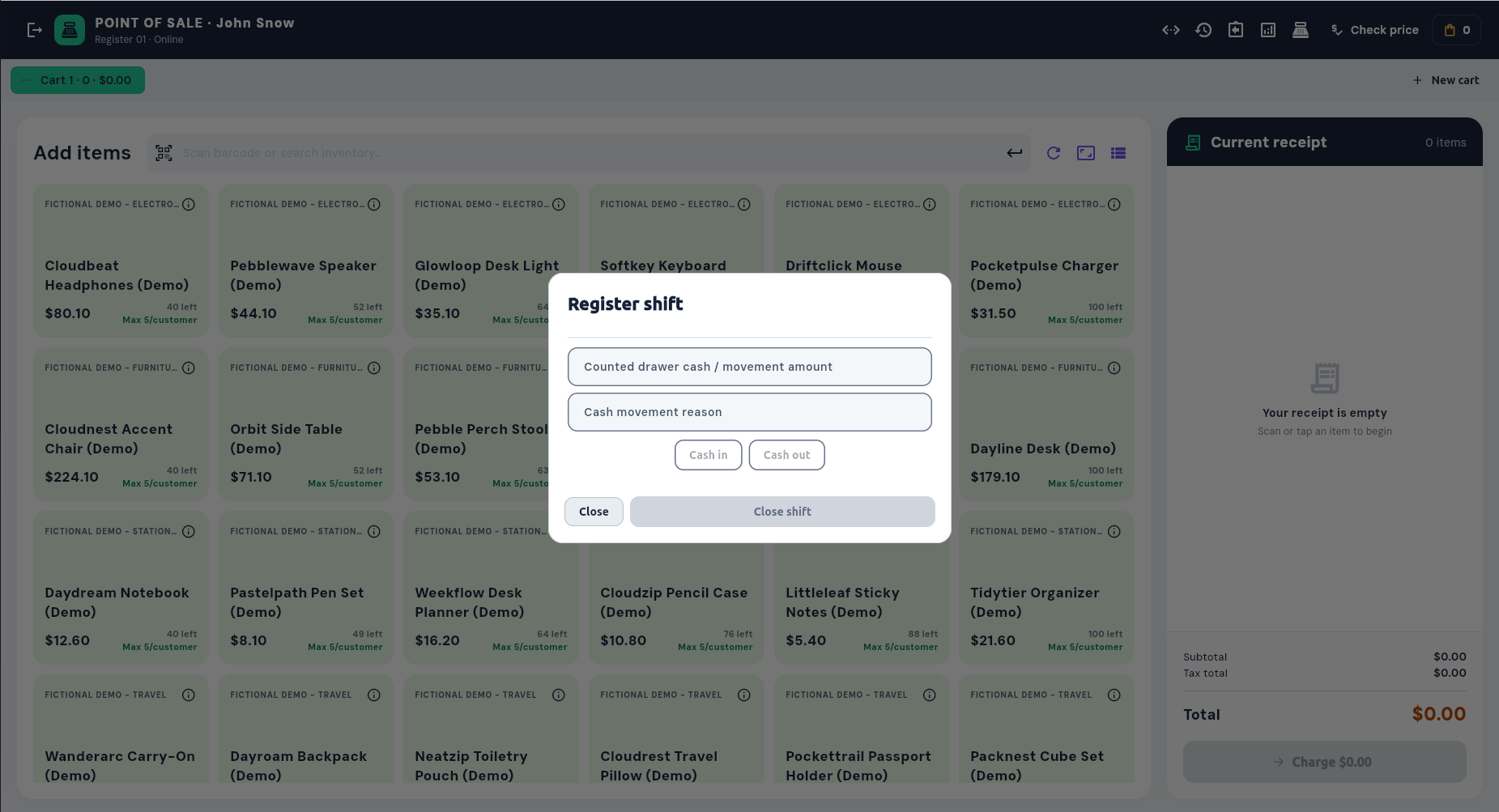
Record cash movements and close the active register shift.
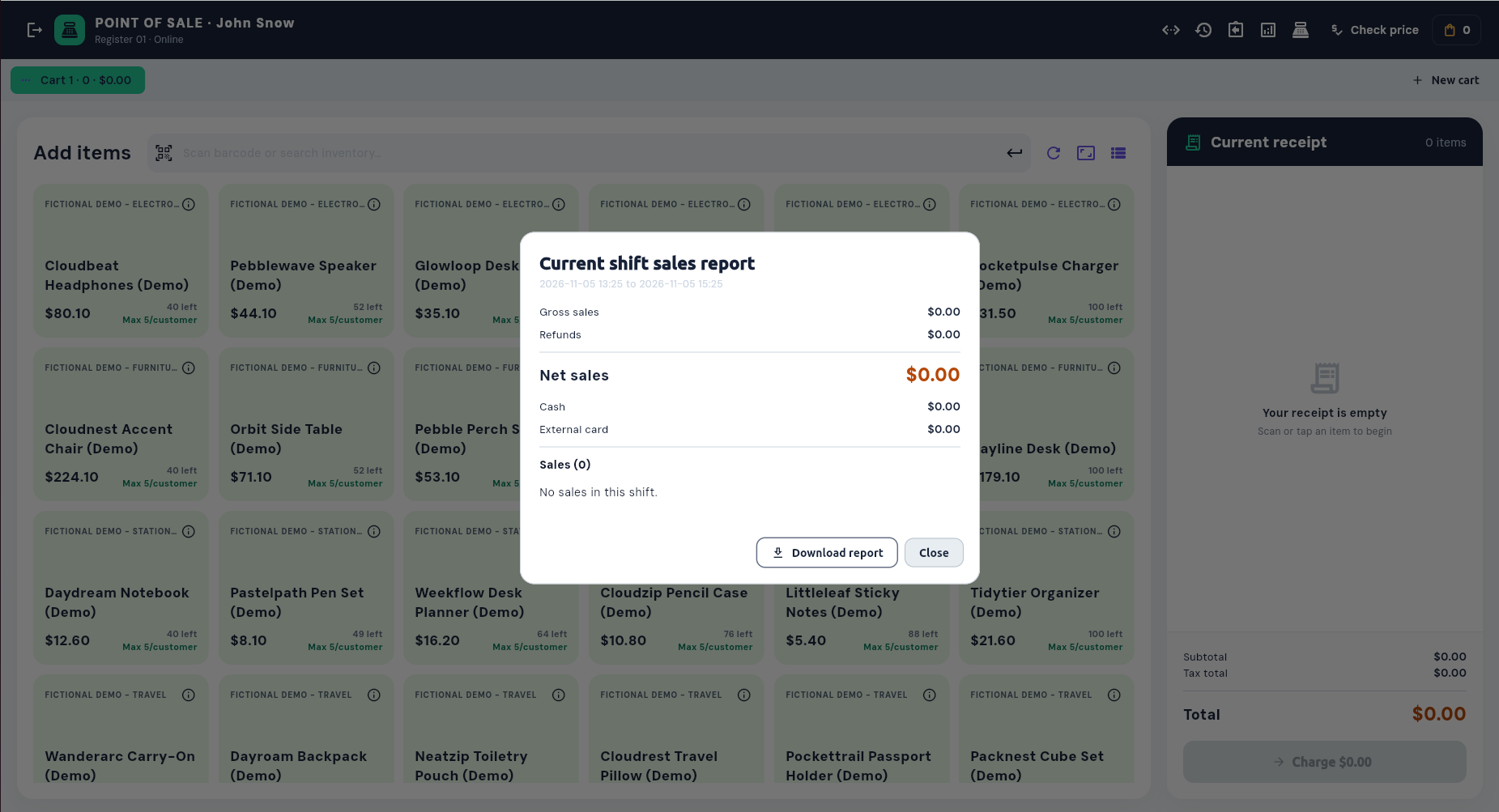
See gross sales, refunds, payment totals, and downloadable shift reporting.
Built for accountable registers
One transaction, connected records
The POS sits inside CCS, so teams do not have to re-enter the same transaction elsewhere.
Tracked quantities decrease at checkout and return to stock when eligible items are returned.
Attach an existing customer or create the connection from a phone number for a useful sale history.
Completed sales and refunds post their payment, tax, revenue, and customer entries to the configured ledgers.
Search receipts by number or customer and review cashier, refund, gross, and net sale details.
See it with your catalog and workflow

 Point of Sale Features and station pricing |
1–5 Stations $10.00 $8.00 / terminal |
6–20 Stations $8.00 $6.40 / terminal |
21+ Stations $5.00 $4.00 / terminal |
|---|---|---|---|
| 1. Checkout | |||
| Products and services catalog | |||
| Barcode and product search | |||
| Multiple saved carts | |||
| Customer-linked checkout | |||
| Taxes, line discounts, and order discounts | |||
| Single or split tender payments | |||
| 2. Registers & Operators | |||
| Cashier and manager operator accounts | |||
| Device-assigned operator access | |||
| Register shifts and cash movements | |||
| Blind drawer close option | |||
| Manager approval controls | |||
| 3. Receipts, Returns & Integrations | |||
| Printed and emailed receipts | |||
| Sales history and receipt lookup | |||
| Partial and full refunds | |||
| Automatic inventory updates | |||
| Customer and accounting integration | |||